Svix webhooks (invite only)
Self-service endpoints, signed deliveries with replay protection, and a portal to inspect and replay. Available by invitation.
Invite only. Svix webhooks must be enabled for your account before you can use them. Until then, use legacy webhooks; the webhook portal will not appear in your partner portal. See Requesting access.
Svix webhooks deliver the same events and the same payloads as legacy webhooks, through Svix, the webhook delivery provider. What changes is everything around the payload:
| Legacy webhooks | Svix webhooks | |
|---|---|---|
| Endpoint management | Through support | Self-service, in the partner portal |
| Signing secret | One shared secret per endpoint, provided out-of-band, rotated through support | A whsec_... signing secret per endpoint, shown in the portal, rotatable without downtime |
| Signature | x-fsk-wh-chksm checksum, no timestamp |
svix-id, svix-timestamp, svix-signature, with replay protection |
| Retries | Retried, no published schedule | Exponential backoff over roughly a day |
| Failed deliveries | Ask support | Inspect and replay from the portal |
| Events | Transaction and token events | Transaction, token, and merchant lifecycle events |
Requesting access
You manage Svix webhooks in the partner portal. If you do not have a partner portal login, use legacy webhooks.
To ask for access, write to support@doura.ca with:
- your account name,
- whether you want it in the sandbox, in production, or both, and
- whether you are moving existing legacy endpoints or integrating for the first time.
Svix may be enabled for your sandbox account before your production account. Support will tell you which environments are enabled, and when.
Where the portal is
Once Svix is enabled for your account, the webhook portal is embedded in the partner portal:
- Developers -> Webhooks - platform-level endpoints. Endpoints configured here receive events for every merchant in your platform.
- The Webhooks tab of a merchant's configuration, reached from the merchants list - endpoints for that one merchant, where per-merchant webhooks are also enabled for your account.
Both open the same portal, scoped differently. From it you add endpoints, choose the event types each one subscribes to, read the signing secret, inspect delivery attempts, and replay failed messages. See Configuring endpoints.
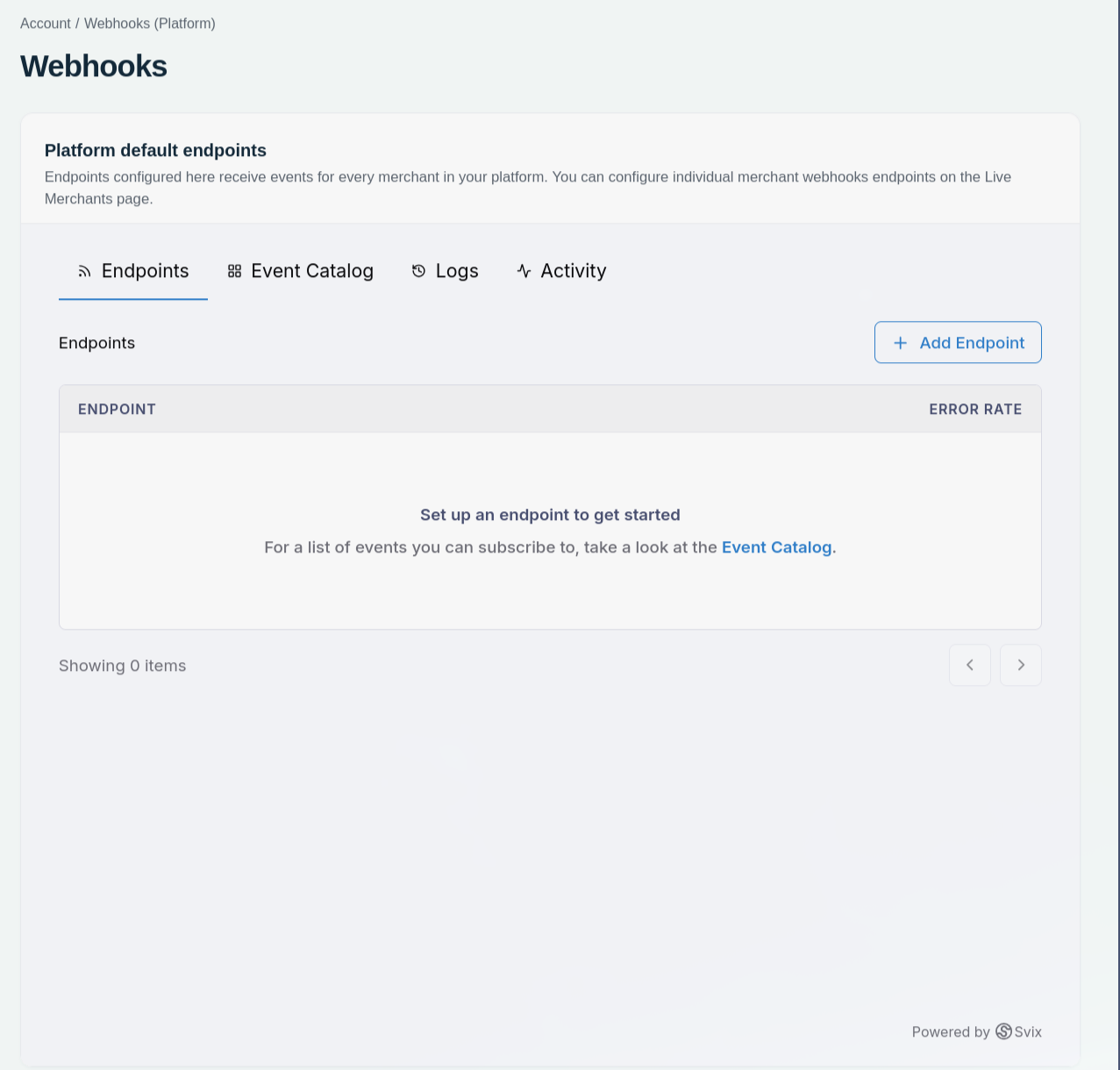
Add and manage the endpoints that receive your webhook events.
What a delivery looks like
POST /webhooks HTTP/1.1
Content-Type: application/json
svix-id: msg_2yZK3ZV4Tk3E8FQ0YB55X1N0Tq
svix-timestamp: 1783002600
svix-signature: v1,g0hM9SsE+OTPJTGt/tmIKtSyZlE3uFJELVlNIOLJ1OE=
The body is the JSON event payload described in the event catalog - the same payload a legacy delivery carries.
Next steps
- Configuring endpoints
- Verifying signatures
- Moving from legacy to Svix, if you have legacy endpoints today
- Event catalog